
Your voice,
made useful.
Record once. Find a transcript, clear summary, and next step in one local-first note library.
Made for iPhone · Quick capture with Apple Watch
The Sunote approach

AI Note Taker
Local-first
By Design
AFTER THE MEETING
A clear recap.
One tap to share.
Tap Share in Sunote to open your iPhone's share options. Choose Outlook, Gmail, WhatsApp, or another installed app, then review and send.
FINANCE SYNC · 28 MINSUMMARY
Meeting summary
The team aligned on the Q4 forecast. Two overdue invoices need follow-up before next week's review.
- Confirm the revised forecast
- Send two payment reminders
SHARE TO
- Outlook
- Gmail


Apps shown depend on what is installed on your iPhone.
From the recording
to what matters.
Keep the transcript, the useful details, and what to do next in one note.
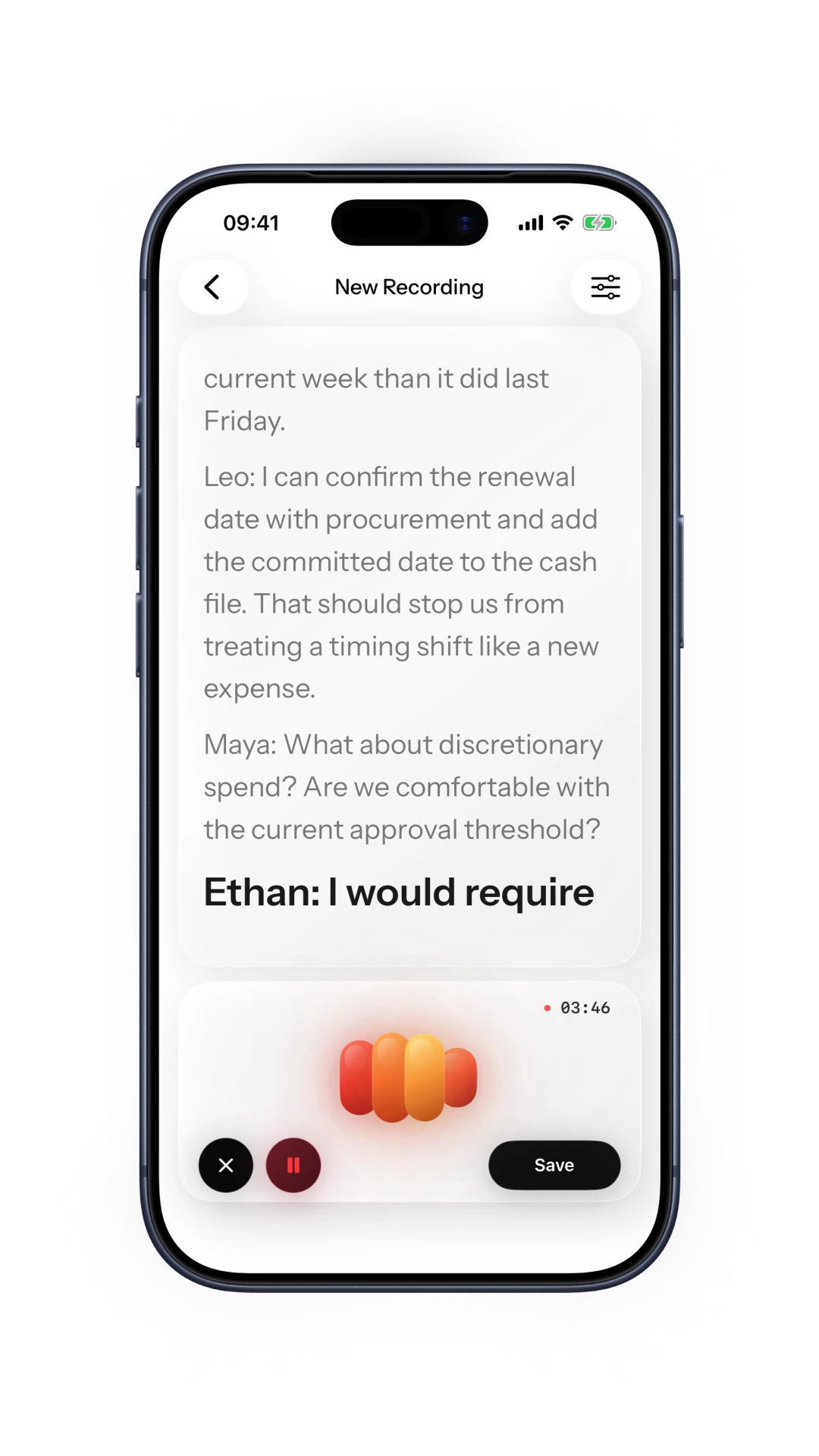
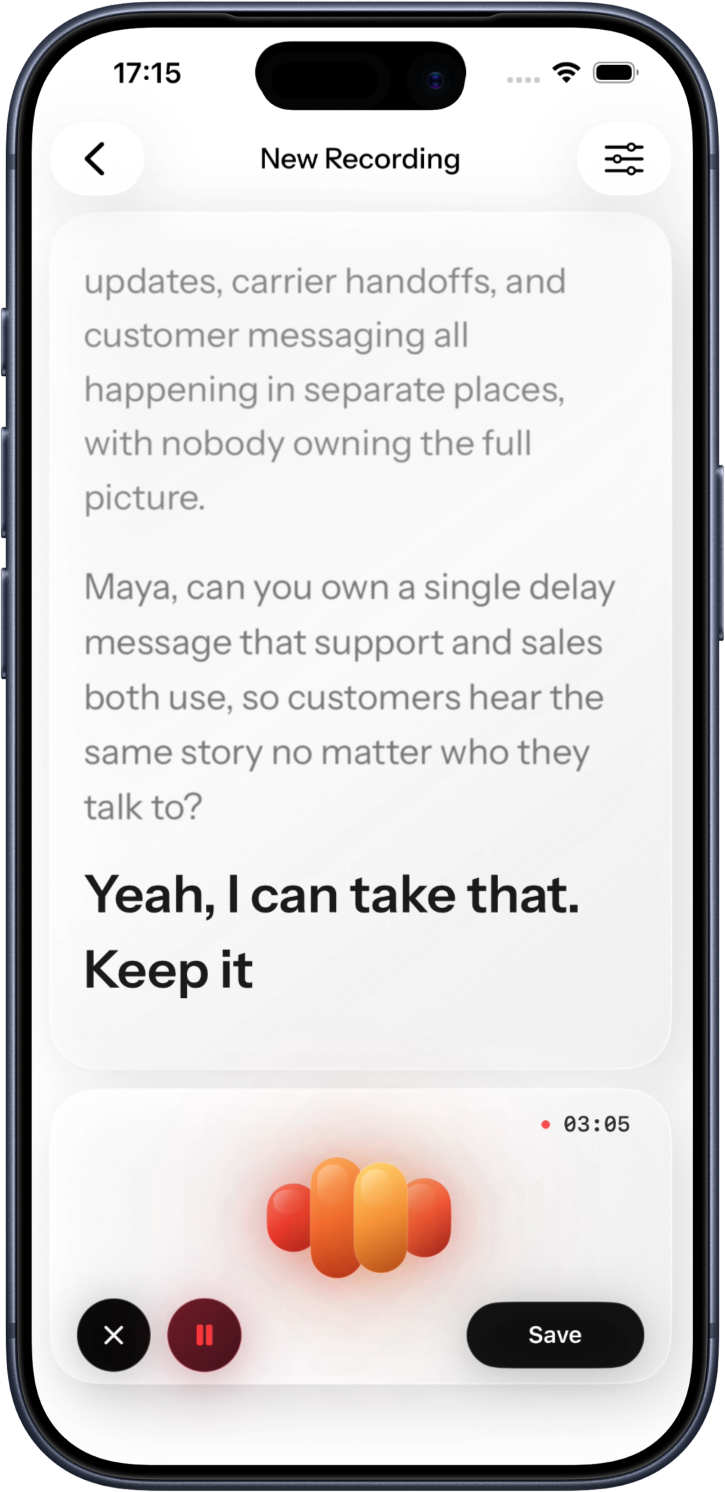
Transcript
Keep the spoken words searchable and together with the original recording.
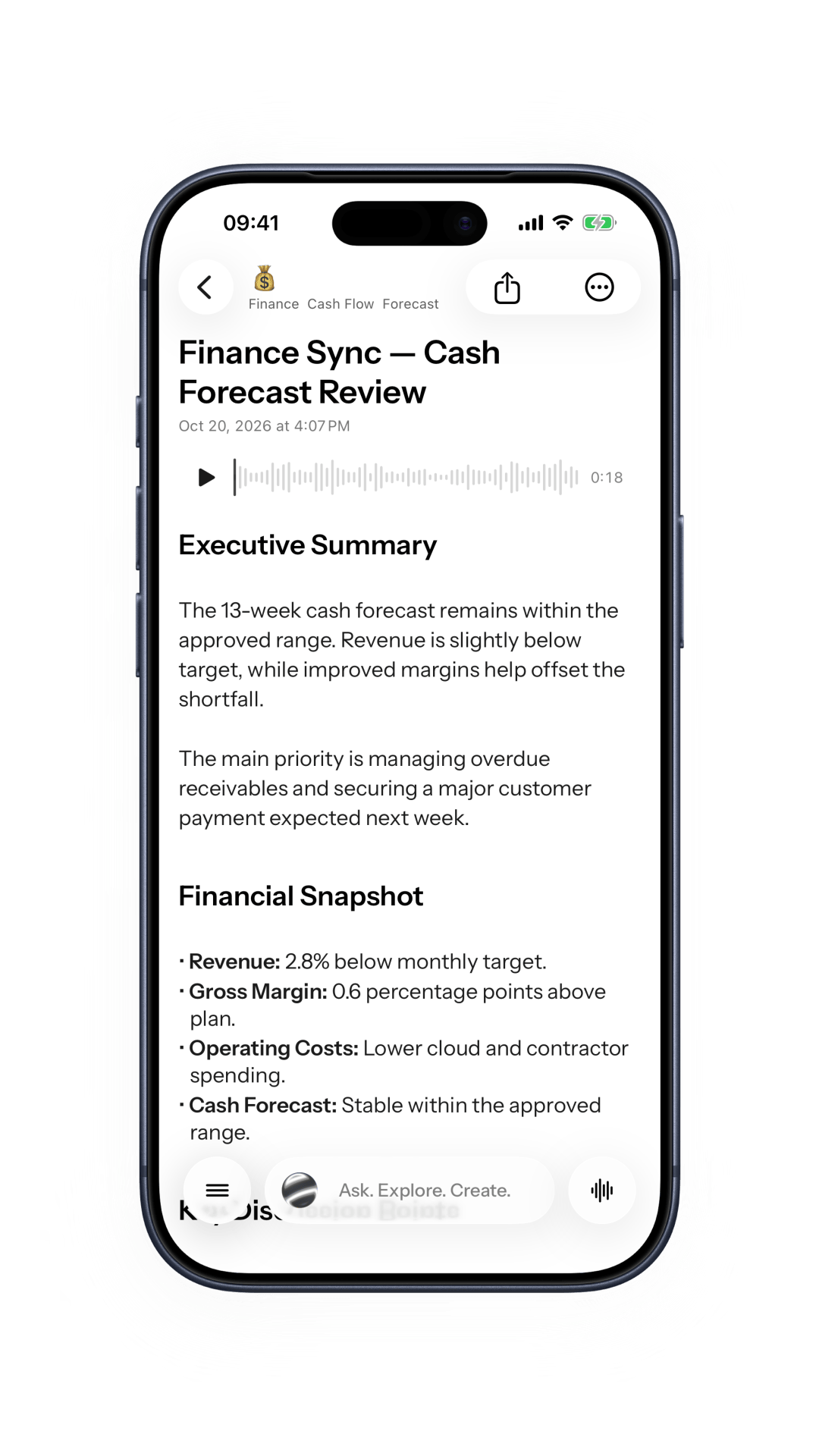
Summary
Bring the central ideas into view without losing the source note.
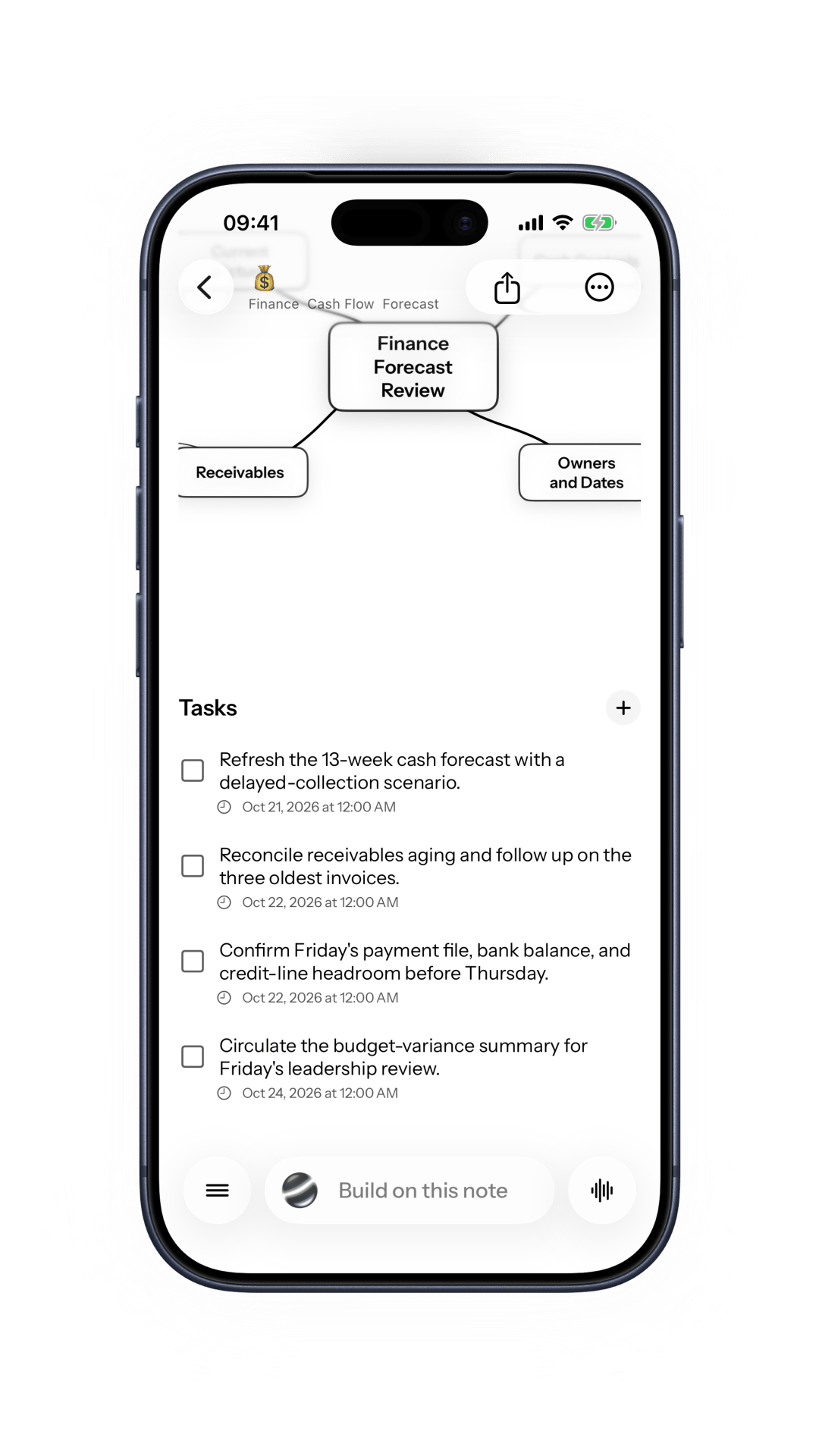
Next steps
Keep decisions and action items close to the conversation that created them.
AI help, when you choose it
Use optional AI to explore a note, find key details, and shape material for review.
Ask about
your note
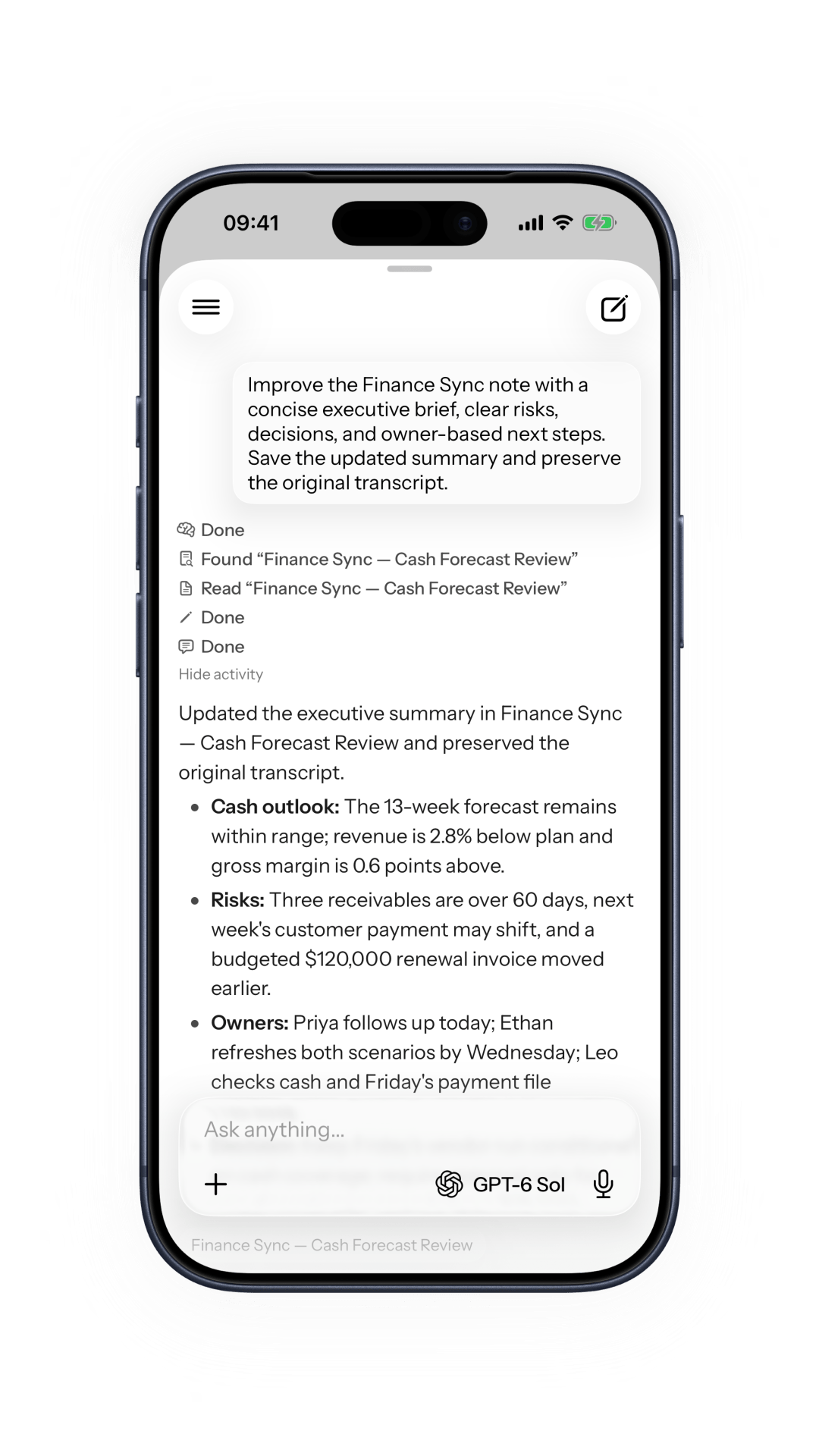
Explore a note with answers grounded in the content you choose to share.
Find the key
details
Bring summaries, decisions, and follow-up items together with the recording.
Make study
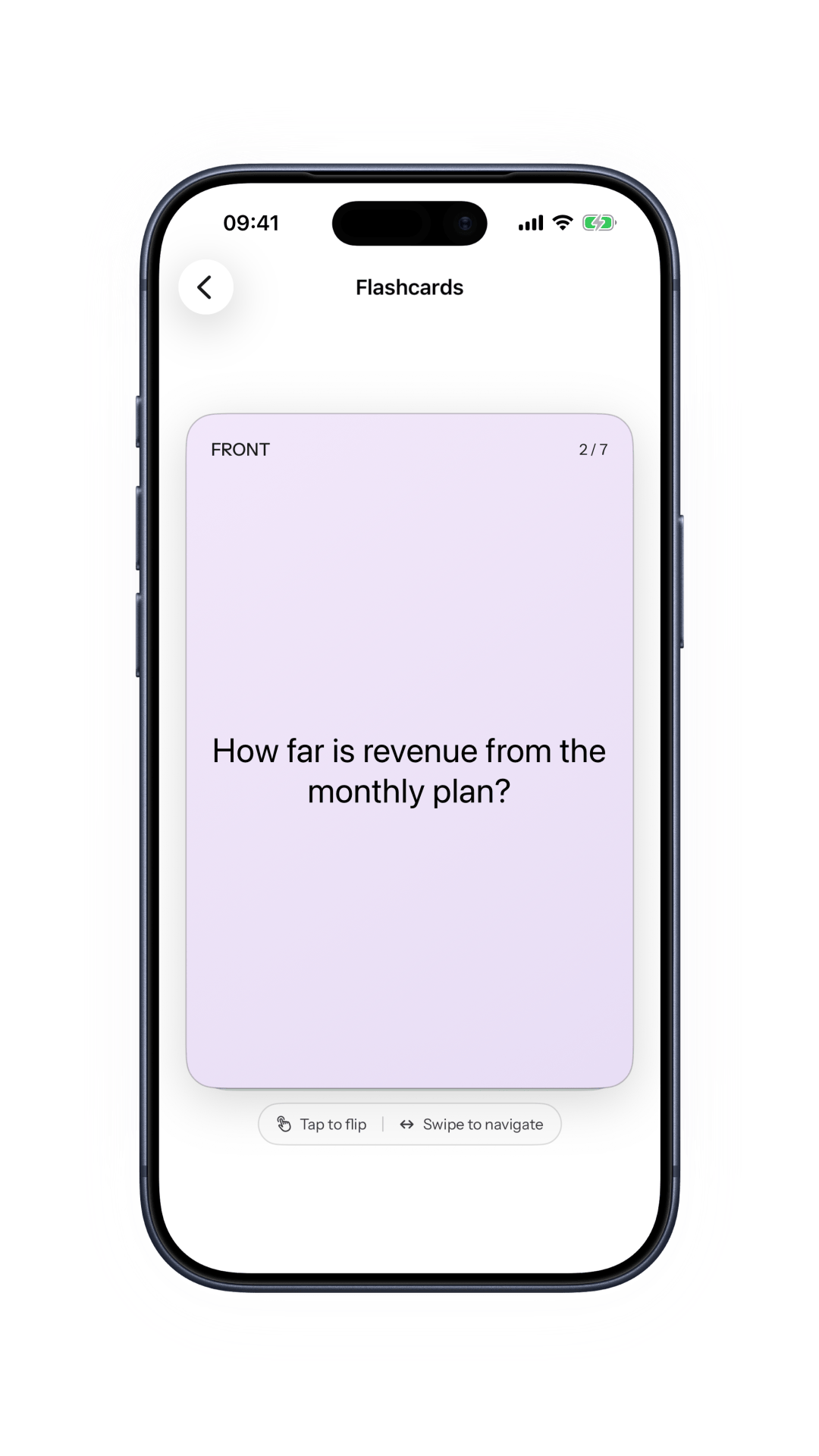
tools
Turn a lecture or note into flashcards, quizzes, and mind maps for review.
Connect the
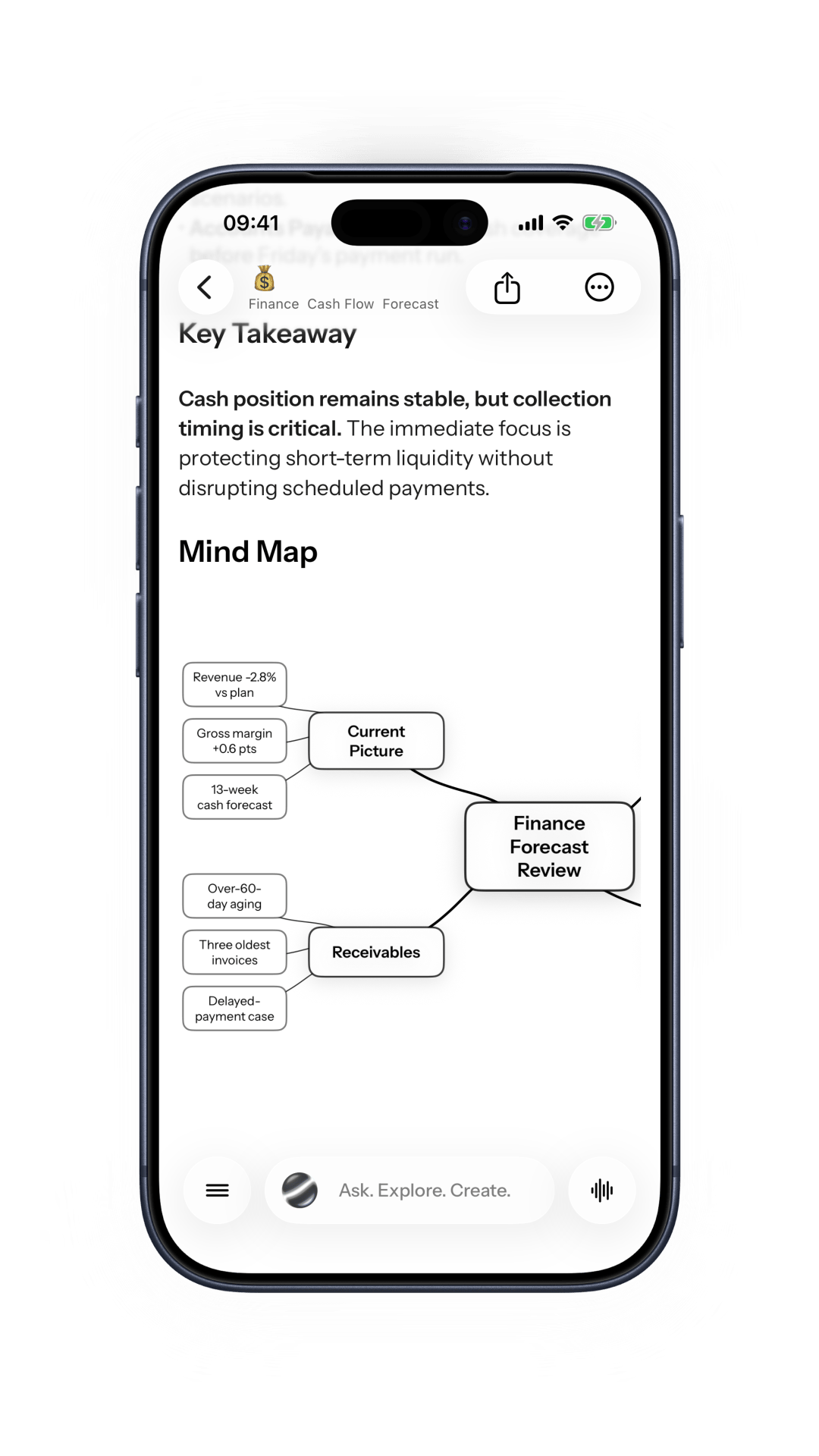
ideas
See the main ideas in a mind map you can return to alongside your note.
A note can keep going
Capture, revisit, and shape the useful parts when you are ready.
Voice notes
Save a spoken thought while it is still fresh.
Meeting notes
Keep the conversation and its follow-through together.
Lecture notes
Return to the transcript when it is time to study.
Imported audio
Bring supported recordings into your note library.
Searchable transcripts
Find a phrase without replaying the whole recording.
Action items
Keep the next step near the note that prompted it.
Note chat
Ask questions about the note you are viewing.
Flashcards and quizzes
Turn selected material into a short review session.
Mind maps
See how the ideas in a note connect.
Your notes stay yours.
Your note library is stored locally by default. Remote AI features are optional and ask permission before sending the content they need.
Ready when you are.
Start with one thought. Keep the recording, transcript, and next step together for whenever you need them.
 Download app